




Looking at an item and choosing it are not always the same act. Gaze-based control has to bridge that difference, turning eye movement into a deliberate computer action without making every glance a command.
What Apple announced
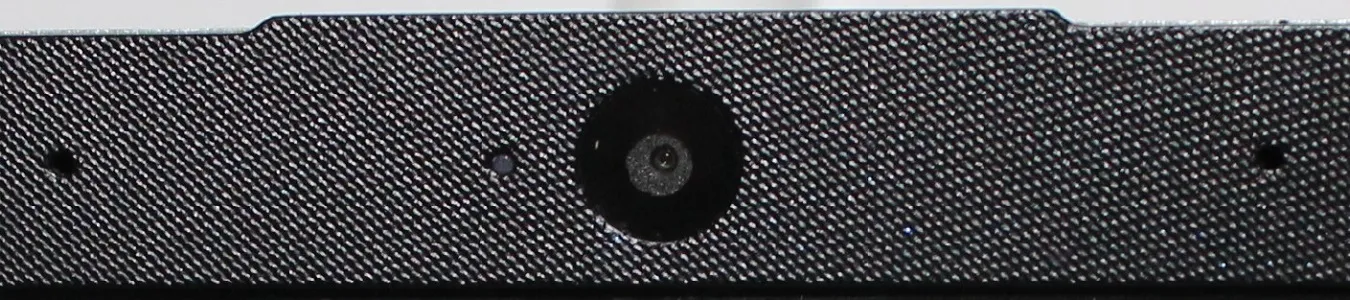
Apple’s May 2024 accessibility announcement described Eye Tracking for compatible iPhone and iPad hardware, using the front-facing camera to support navigation and a dwell-based selection mechanism. The company described on-device processing. This is an announcement about an accessibility feature, not clinical evidence that it suits every person with limited hand movement or visual difficulties. Apple
Control should include the freedom to rest
The idea is especially interesting when touching a screen is tiring or difficult. But evaluation should consider both the selection task and the person’s ability to rest. A control method that works in a short demonstration may feel different while reading, composing a message or making repeated corrections.
Calibration, accidental selections, target size and compatibility with other accessible tools shape the experience beyond the first demonstration. Those questions do not imply that all older women need gaze control. They help readers understand an additional way to interact with technology when it fits their circumstances.
Looking is not the same as selecting
A person may look at a button to understand it, look away to think, then return to activate it. A gaze interface has to distinguish attention from intention using its interaction rules. Apple’s announcement describes dwell selection: holding the gaze on an item is used to select it. The rule makes an invisible intention into an observable action, but it also changes the pace of interaction.
For a reader, this is a more useful starting point than describing the eyes as a replacement mouse. The comparison hides the differences between exploring a screen and activating something on it. Good design needs room for both, including a way to pause without making an unintended choice.
The whole task is the unit of accessibility
Consider writing a short message. Opening the application is only one step. The person must enter words, review them, correct a mistake and send the result. A technology that succeeds at selecting a large icon has not yet demonstrated that the whole sequence is comfortable. This is a hypothetical usability example, not a report of an Apple user test.
The same reasoning applies to reading. A gaze-control interface should leave the reader free to scan the page, revisit a sentence and rest. Target size, timing and feedback all become part of whether control feels deliberate. The important question is not whether a person can move her eyes precisely in a demonstration, but whether the interface supports the activity she wants to complete.
A capability announcement has a different role from a review
The May 2024 source establishes what Apple announced and how it described the feature. It does not establish current compatibility for every device or the experience of every user. A hands-on review would require identified hardware, software, tasks and participants. This article is a design analysis, so it does not claim to have performed that work.
For women exploring alternatives to touch input, the useful implication is choice. Gaze control may be worth understanding alongside other accessible input methods, rather than being presented as the inevitable next interface for everyone after 50. A person may use different methods for different tasks or at different times.
The technological ambition is attractive: make an existing device accessible through another route. The editorial test is whether that route reduces the total effort of doing something meaningful. Better control should widen a person’s options, including the option to stop, switch methods or take a break.
Compatibility and lived experience are separate checks
Check current device and software requirements separately from the original announcement. A useful assessment would compare completing a real task with different input methods and include the user’s preferences. The most advanced interface is not necessarily the one that demands the least visible movement.
Sources and editorial note
Source note · 30 May 2026. Research dates refer to the original work. Prepared with AI assistance from the linked sources; no hands-on testing or interviews. Methods, disclosures and corrections.